We're currently upgrading our system, checkout will be back soon.

U
By Thomas Franco


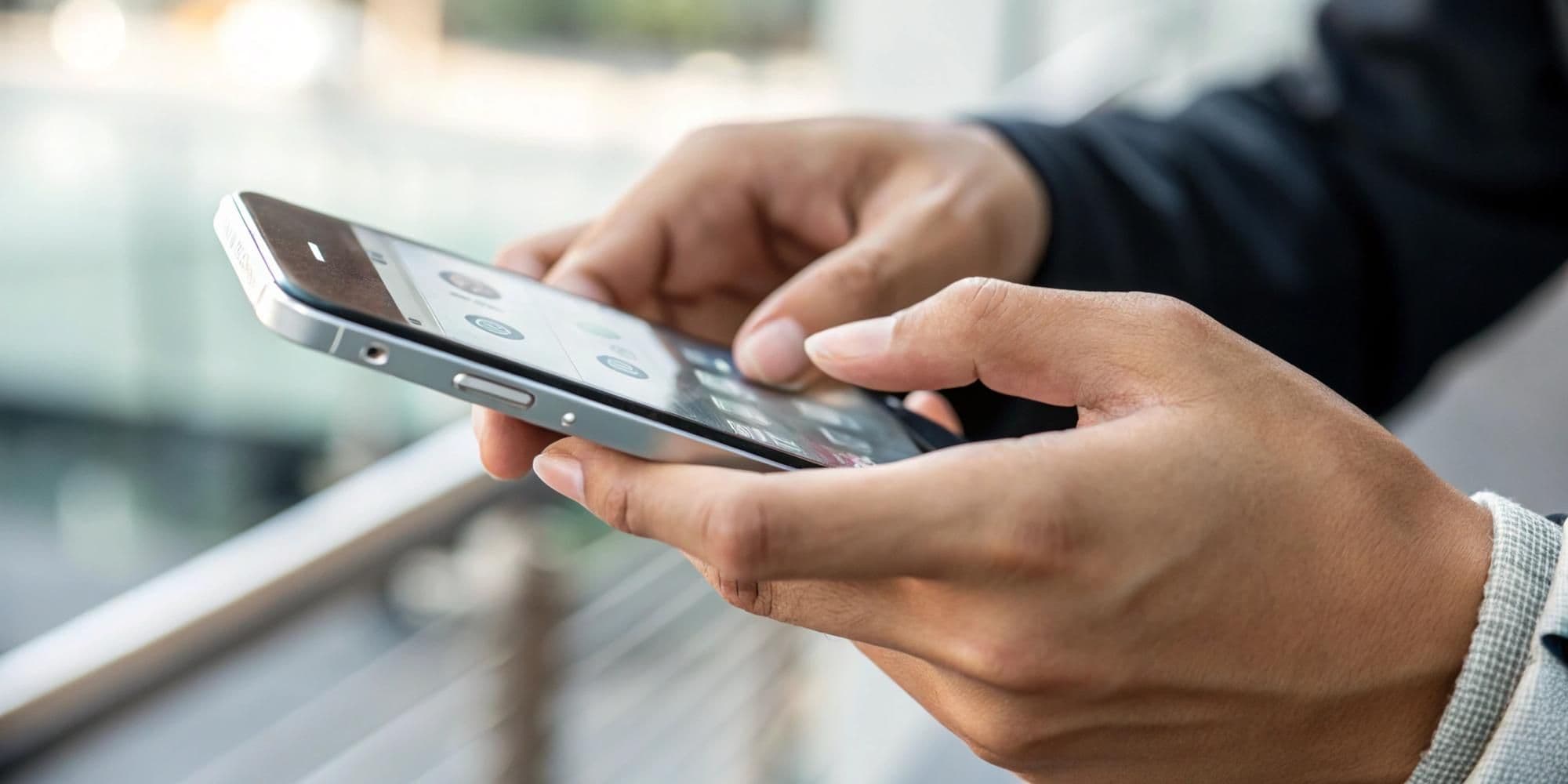
Making the leap from a physical SIM card to an eSIM might feel like stepping into unfamiliar territory, but it is one of the smartest moves you can make for your iPhone. If you are wondering how to switch information from a SIM to eSIM on an iPhone, you are not alone. Thousands of people make this transition every day, and for good reason. This change isn't just about keeping up with technology; it is about making your mobile experience safer, more flexible, and genuinely easier to manage.
Before diving into the "how," let’s clarify what we are dealing with. An eSIM, or embedded SIM, is essentially a digital version of the chip you have been popping in and out of phones for years. Instead of a physical card, an eSIM is built directly into your iPhone during manufacturing. Think of it as the difference between carrying a CD and streaming your favorite music. Both do the job, but one is clearly more convenient.
The technology works exactly like a traditional SIM card regarding network connection—it identifies you as a subscriber and grants access to calls, texts, and data.
It is worth noting that Apple has supported eSIM technology since the iPhone XS and XR models in 2018. If you have a device from that generation onward, you are already equipped to switch. In fact, the newest iPhone models sold in the United States no longer have physical SIM slots, signaling that this is the future of mobile connectivity.
The shift to eSIM touches almost every aspect of mobile usage. For travelers, this is a complete transformation. Gone are the days of hunting for local SIM cards in foreign airports or facing shocking roaming bills. With eSIM, you can activate an international plan before boarding your plane and switch carriers without removing anything from your phone.
For those who juggle work and personal calls, eSIM technology acts like having two phones in one device without the bulk. You can keep a work number completely separate from your personal line while managing both from a single iPhone. When the workday ends, you can silence just the work line, ensuring you never miss a personal call or carry two devices again.
Traditional SIM cards can be physically removed, making them vulnerable to theft. A thief could steal your SIM, place it in another device, and gain access to accounts via text message verification codes. With an eSIM, the chip is permanently embedded. To access your cellular connection, a thief would need to steal the entire phone and bypass your passcode and Face ID.

The importance of switching goes beyond convenience. Our phones contain our digital lives—bank accounts, medical info, and family photos. Traditional SIM cards are vulnerable to "SIM swapping," a tactic where criminals trick carriers into transferring your number to a SIM they control.
According to the FCC, eSIM technology reduces this risk significantly. Changes to an eSIM often require biometric verification (like Face ID) or specific passwords that criminals cannot easily obtain.
There is also an environmental angle. Every year, millions of plastic and metal SIM cards are manufactured, shipped, and discarded. eSIM technology eliminates this waste entirely. Furthermore, for the mobile industry, removing the physical SIM slot frees up internal space for bigger batteries or better cooling, while removing an opening that lets in water and dust.
Apple has made the process of transferring from a physical SIM to an eSIM remarkably straightforward. Depending on your situation and carrier, there are a few ways to handle this.
If you are setting up a new iPhone and transferring from an old one, this can happen automatically. During the initial setup, if both phones run recent iOS versions, you will be asked to transfer your cellular plan. Keep the phones close, connect to Wi-Fi, and follow the prompts. You will confirm the transfer on the old phone, and within minutes, the new iPhone will activate the number as an eSIM.
To convert a physical card to an eSIM on your current iPhone, open Settings, tap Cellular (or Mobile Data), and look for Convert to eSIM. If available, tap it and follow the instructions. Your carrier will handle the conversion in the background. Once the eSIM is active, the physical card is deactivated and can be removed.
If you bought your iPhone directly from a carrier, they might use "eSIM Carrier Activation." The phone comes pre-configured. You will see a notification saying Carrier Cellular Plan Ready to Be Installed. Simply tap it to complete the setup.
Many carriers provide a QR code via email or their website. Go to Settings > Cellular > Add Cellular Plan. Your camera will activate to scan the code, and the phone will download and install your profile automatically.
Note: Once you convert to eSIM, the old physical SIM is deactivated permanently. If you ever need a physical card again, you will need to contact your carrier for a replacement.
When switching to eSIM, the carrier you choose makes a difference. VLE Mobile has built its service around modern technology, making eSIM a core part of its approach rather than an afterthought.
VLE Mobile stands out by bundling complete digital security powered by Aura with every plan. While other carriers charge extra for this, VLE Mobile includes it automatically.
VLE Mobile operates on AT&T’s extensive 4G and 5G network, ensuring solid US coverage. However, for customers with dual eSIM-capable phones, VLE Mobile offers a unique advantage: access to an additional international eSIM.
VLE Mobile offers plans ranging from light data usage to unlimited data, all without hidden fees. Crucially, the identity protection (often valued at $30/month elsewhere) is built into the cost. They also offer annual billing options, where committing to a 12-month prepaid plan can save you hundreds of dollars compared to monthly billing.
Whether you are motivated by security, travel convenience, or simply wanting to modernize your device, switching from a physical SIM to an eSIM on your iPhone is a worthwhile upgrade. The process is simpler than most expect, and the benefits extend far beyond eliminating a piece of plastic.
When combined with a carrier like VLE Mobile—which adds layers of identity protection and innovative international connectivity—you aren't just changing how your phone connects; you are taking control of your digital life.
The physical SIM served us well for decades, but technology moves forward for a reason. eSIM is not just what's next; it is what's better.
Stay informed about mobile technology and digital security.


Stay updated with our latest news and offers!