We're currently upgrading our system, checkout will be back soon.

U
By Katy Samuels


Have you ever paused to think about how much of your life is lived online these days? From banking and shopping to social media and even doctors' appointments, our digital footprints are growing larger by the minute. And while this connectivity brings incredible convenience, it also brings a very real concern: identity theft. It's not just a headline you read about—it's a threat that could impact anyone, and trust me, dealing with the aftermath is something you definitely want to avoid.
As someone who navigates the digital world constantly, just like you, I know how overwhelming it can feel to keep up with all the ways to stay safe. But here's the good news: preventing identity theft doesn't have to be a full-time job. By adopting a few smart habits and leveraging the right tools, you can significantly reduce your risk. Let's dive in and empower ourselves with knowledge, making our digital lives not just convenient but truly safe.
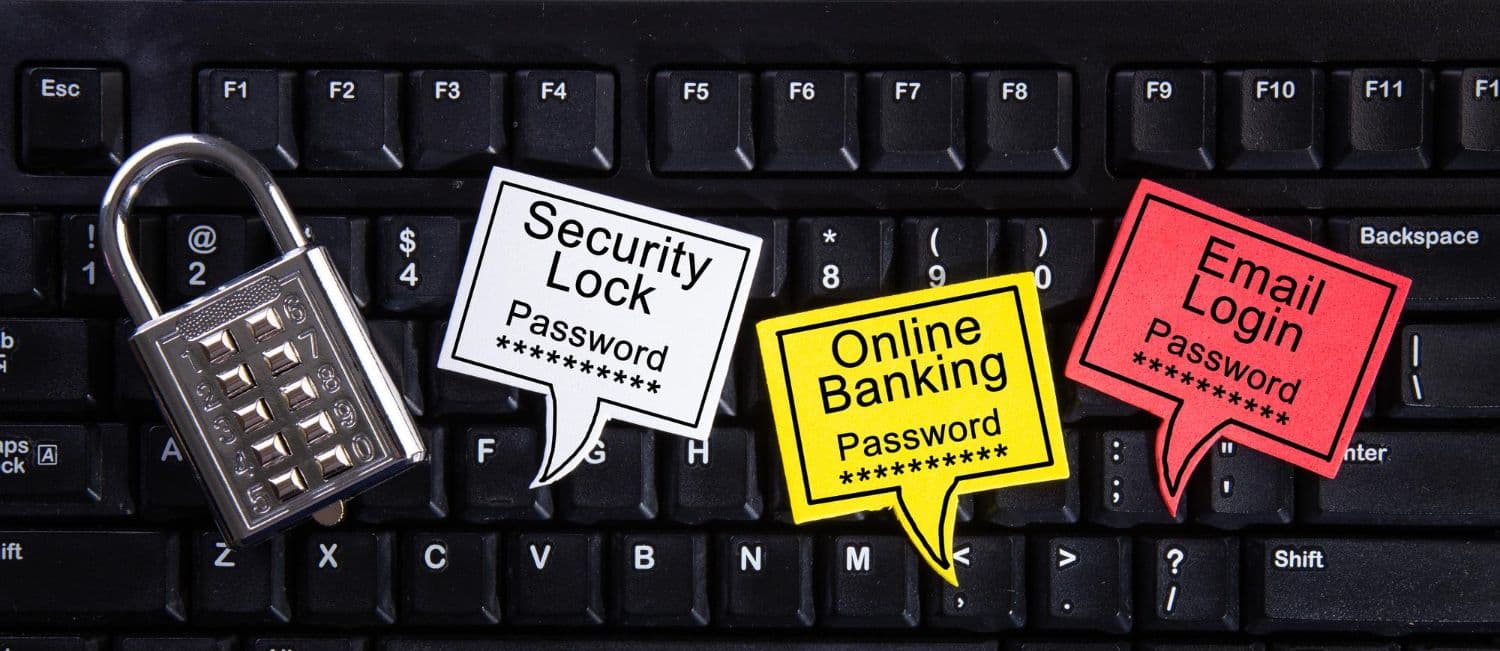
Think of your passwords as the keys to your digital kingdom. Would you use the same key for your house, your car, and your safe deposit box? Of course not! Yet, so many of us fall into the trap of using the same or similar passwords across multiple online accounts. This is like leaving all your keys under the doormat. If a thief gets one password, they potentially get access to everything.
A strong password is long, ideally 12 characters or more, and a mix of uppercase and lowercase letters, numbers, and symbols. Forget memorable dates or names—think about a phrase or a random string of words that only makes sense to you. Using a password manager can help you generate and securely store these complex passwords, so you don't have to remember every single one.
Now, here's where we level up our security game: Two-Factor Authentication, or 2FA. This is an absolute game changer.
This could be a code sent to your phone, a fingerprint scan, or even facial recognition. Even if a cybercriminal manages to guess your password, they won't be able to access your account without that second factor. It's like having a deadbolt and a security alarm on your digital door. Most major online services, from email providers to banking apps, offer 2FA, so make it a habit to enable it wherever possible. It takes a few extra seconds to log in, but those seconds are a tiny price to pay for significant peace of mind.
Have you ever received an email that looked like it was from your bank, asking you to "verify your account information" by clicking a link? Or perhaps a text message claiming to be from a shipping company about a package you never ordered? These, my friend, are classic examples of phishing scams, and they are one of the most common ways identity thieves try to trick you into giving up your personal information.
Phishing scams come in many forms: emails, text messages (smishing), and even phone calls (vishing). The goal is always the same: to deceive you into revealing sensitive data like your usernames, passwords, credit card numbers, or social security numbers. These scams often create a sense of urgency or fear, pushing you to act without thinking. They might threaten to close your account or claim there's a problem that needs immediate attention.
Here's how to become a phishing pro and sniff out these scams.
Many security services now include AI-powered call and text screening that can help filter out these scams before they even reach you, saving you the hassle of constantly being on guard.
Your smartphone, tablet, and computer are your primary gateways to the digital world. Just like you wouldn't leave your front door wide open, you shouldn't leave your devices unprotected. Digital security starts with the basics: robust antivirus software, using a Virtual Private Network, and keeping your operating systems and applications updated.
Good antivirus software actively scans for, detects, and removes malicious software like viruses, malware, and ransomware that can steal your data or hold your device hostage. It's essential for all your devices, not just your computer.
Now, you might be thinking, "This sounds like a lot to manage, and it must be expensive!" Here's where things get interesting. The traditional approach would have you subscribing to separate services for each of these protections, which can quickly add up to $50 or more per month. However, the mobile carrier landscape is evolving, and some providers are starting to bundle comprehensive digital security directly into their mobile plans.
This means features like VPN, antivirus, dark web monitoring, and spam call blocking come standard with your mobile service, rather than being expensive add-ons. When your mobile plan starts at $25 and includes what would normally cost you an extra $20 to $30 monthly elsewhere, it fundamentally changes the economics of staying protected.
Early detection is key when it comes to identity theft. The sooner you spot suspicious activity, the faster you can shut it down and minimize potential damage. This is why regularly monitoring your financial accounts and credit reports is so important.
Look for any transactions you don't recognize, no matter how small. Even a tiny, unfamiliar charge could be a test by an identity thief to see if an account is active before they commit to larger fraudulent purchases. Most banks offer online banking and mobile apps that make this incredibly easy, often with real-time alerts for transactions.
You are entitled to a free copy of your credit report from each of the three major credit bureaus (Equifax, Experian, and TransUnion) once every 12 months. You can access these at AnnualCreditReport.com. Take advantage of this! Reviewing your credit report allows you to spot any unauthorized accounts opened in your name or suspicious inquiries. This is a critical step in identifying potential identity theft that might not show up on your bank statements right away. Many experts even recommend staggering your requests, getting one report every four months, to maintain year-round surveillance.
Advanced identity protection services take this monitoring to the next level by actively scanning all three credit bureaus continuously, not just once a year. They can also monitor your bank accounts, 401(k) and investment accounts, and even your home and auto titles for suspicious changes. Some services will alert you if your Social Security number or personal information appears on the dark web or in data breaches. This proactive monitoring is incredibly valuable because identity thieves often test stolen information on the dark web before using it, so catching it early can prevent serious damage.
In our increasingly interconnected world, it's easy to overshare, sometimes without even realizing it.
While it's fun to share your life with friends and family on social media, be cautious about what personal details you post. Avoid sharing your full birth date, home address, travel plans (which signal an empty house), or even details that could be used to answer security questions, like your pet's name or your mother's maiden name. Always check your privacy settings on all social media platforms and ensure they are set to the highest level of privacy possible. Some identity protection services now offer social media monitoring that can alert you to reputation and privacy risks in your posts.
We touched on this with VPNs, but it bears repeating: public Wi-Fi networks are notoriously insecure. Avoid conducting sensitive transactions, like banking or online shopping, when connected to public Wi-Fi unless you are using a robust VPN.
Don't just toss old bank statements, utility bills, or credit card offers in the trash. These documents can contain enough information for a savvy identity thief to start piecing together your profile. Invest in a cross-cut shredder and use it for any document containing personal information.
If you're going on vacation, ask the post office to hold your mail or have a trusted neighbor collect it. An overflowing mailbox is a clear sign that you're away, making your home a target and your mail a potential source of personal data.
Whether it's a phone call, an email, or even someone knocking on your door, be wary of anyone asking for personal information that they should already have, or that doesn't make sense for them to ask. Always verify the legitimacy of the request through official channels before sharing anything.
And if you have children, protecting their identities is just as crucial as protecting your own. Children's Social Security numbers are particularly valuable to identity thieves because the fraud can go undetected for years. Family-focused identity protection plans can monitor your children's information and provide parental controls to help guide their online experiences safely, reinforcing good digital habits from an early age.
The digital world offers incredible opportunities, and with a proactive approach to security, you can enjoy it without constant worry. By adopting strong passwords, recognizing phishing attempts, securing your devices, monitoring your finances, and being mindful of information sharing, you're building a formidable defense against identity theft.
The good news is that comprehensive identity protection has become more accessible than ever. While it used to require juggling multiple subscriptions and services at significant cost, the market is evolving.
Instead of paying separately for mobile service, security software, VPN access, and identity monitoring, you get it all in one place with plans starting at $25 monthly. Single line customers receive Complete Individual protection with the option to upgrade to Complete Family coverage, while customers with two or more lines automatically get Complete Family protection, covering up to 10 adults and unlimited children with up to $5 million in identity theft insurance.
When you consider that similar standalone identity protection services typically cost $20 to $30 per month on their own, having it included with your mobile service while maintaining competitive pricing creates genuine value. Add in features like unlimited data rollover on their multi-network eSIM plans and free roaming in 80 countries, and you're looking at a service that's designed around the reality of how we live and work today—always connected, always mobile, and always needing protection.
The key is finding solutions that fit naturally into your life without adding complexity or breaking the bank. Stay informed, stay protected, and enjoy the incredible convenience of our digital world with confidence.
Stay informed about mobile technology and digital security.


Stay updated with our latest news and offers!